.png)
Your Organic Farm for 30 Years
Welcome! We invite you to join our local food community. We are a family farm dedicated to bringing you the freshest organic produce we can grow. Together we cultivate a deeper connection to our food and the people who grow it.
Ways to Get Our Produce
From our fields to your table — choose the way that works best for you. Whether it's a weekly CSA box, our weekend Farm Stand, or finding us at your local farmers' market, we make it easy to eat fresh, organic, and local.
.jpg)
Find us at weekly markets in Santa Cruz, Felton, Scotts Valley, Los Gatos, Morgan Hill and Mountain View. Bringing you the freshest seasonal produce to a market near you.

Join 800+ households who receive a fully customizable box of organic produce every week. Choose your own items, skip weeks when you need to, and enjoy year-round farm-fresh goodness.

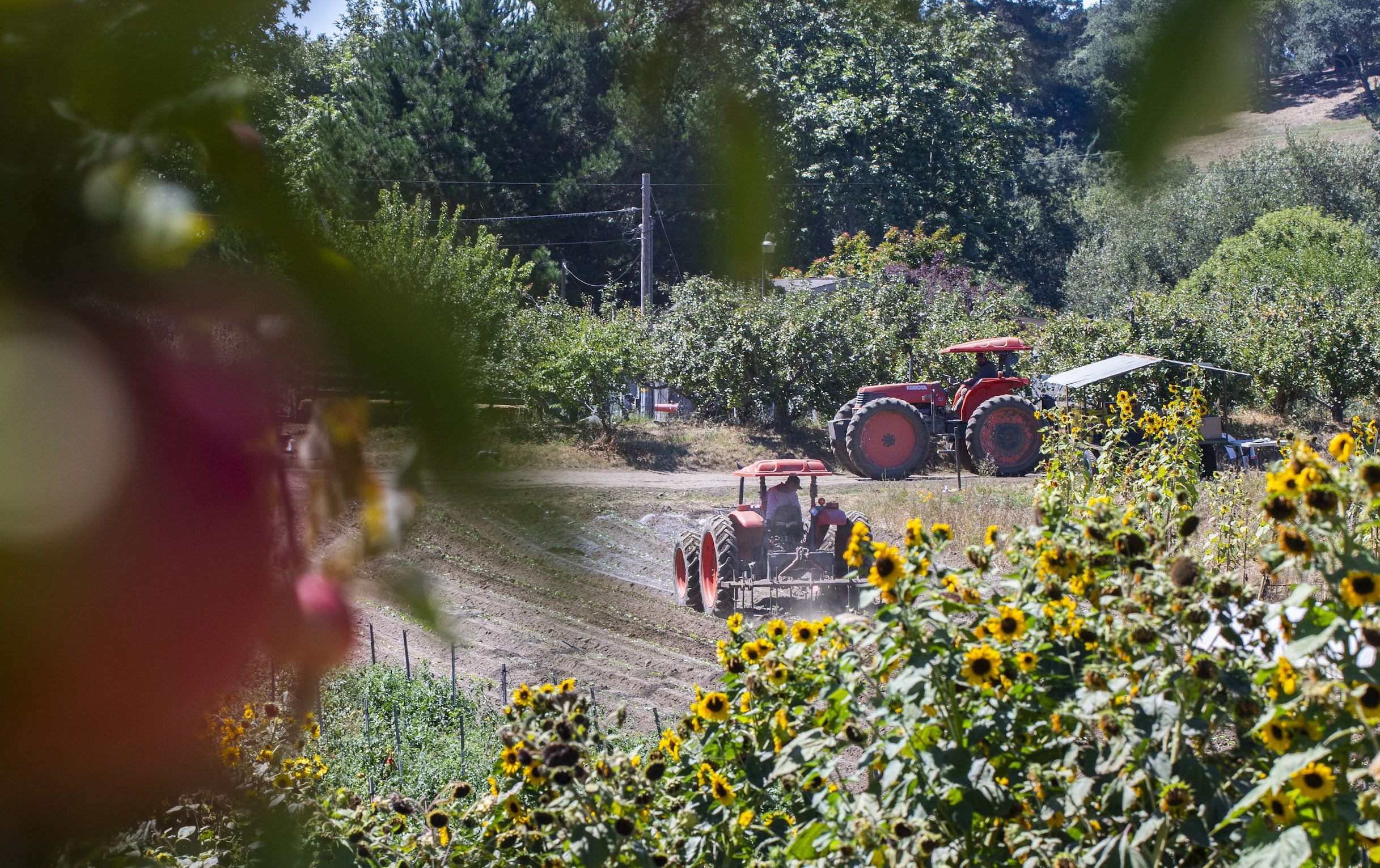
Visit our weekend Farm Stand and U-Pick fields! Stock up on organic produce and join us in the fields for a seasonal U-Pick. Open on Saturdays and Sundays only, May through November.
Visit Live Earth Farm
Stop by our Farm Stand, meet us at the farmers' market, or reach out any time. We love connecting with our community.
Farm Stand Hours:
Sat & Sun, 10 AM – 3 PM (May 16 – late October)